
Website Security Checklist for Small Business Owners
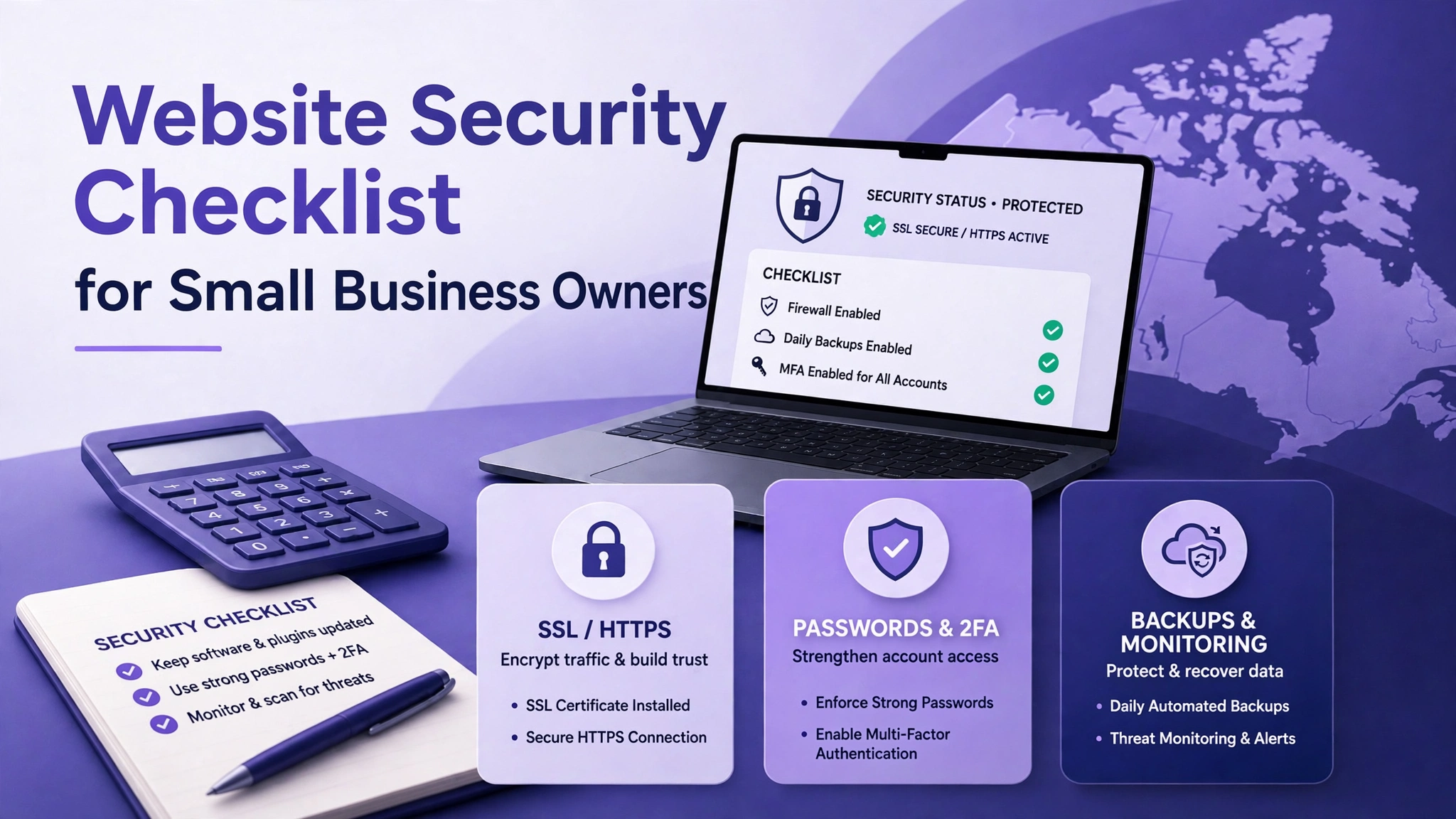
<figure class="wp-block-image size-full"><img loading="lazy" decoding="async" width="2048" height="1152" src="https://cms.saintcode.com/wp-content/uploads/2026/11/media-generation-website-security-checklist-her-0-66e3555e-a5db-4270-8cdd-bf65f3bf4fc9.webp" alt="Website Security Checklist for Small Business Owners" class="wp-image-367" srcset="https://cms.saintcode.com/wp-content/uploads/2026/11/media-generation-website-security-checklist-her-0-66e3555e-a5db-4270-8cdd-bf65f3bf4fc9.webp 2048w, https://cms.saintcode.com/wp-content/uploads/2026/11/media-generation-website-security-checklist-her-0-66e3555e-a5db-4270-8cdd-bf65f3bf4fc9-300x169.webp 300w, https://cms.saintcode.com/wp-content/uploads/2026/11/media-generation-website-security-checklist-her-0-66e3555e-a5db-4270-8cdd-bf65f3bf4fc9-1024x576.webp 1024w, https://cms.saintcode.com/wp-content/uploads/2026/11/media-generation-website-security-checklist-her-0-66e3555e-a5db-4270-8cdd-bf65f3bf4fc9-768x432.webp 768w, https://cms.saintcode.com/wp-content/uploads/2026/11/media-generation-website-security-checklist-her-0-66e3555e-a5db-4270-8cdd-bf65f3bf4fc9-1536x864.webp 1536w" sizes="auto, (max-width: 2048px) 100vw, 2048px" /></figure>
<p>A website security checklist is the simplest way to protect your Vancouver small business website from hackers, malware, and downtime. Most business owners never think about security until something goes wrong: the site goes down, Google flags it as dangerous, or a customer calls to say something strange happened after visiting your pages. By then the damage is done — lost sales, lost trust, and a repair bill nobody budgeted for. Working through a checklist now is far cheaper than cleaning up after an attack.</p> <h2>Your Website Security Checklist: The Essentials</h2> <p>Security is not one big job. It is a set of small habits, repeated regularly. The checklist below covers the items that matter most for a small business website in Vancouver, whether you run a dental clinic in Burnaby, a restaurant in Richmond, or an online store shipping across Canada.</p> <h2>1. Make Sure Your Site Uses HTTPS</h2> <p>HTTPS encrypts the connection between your visitors and your website, so passwords, form details, and payment information cannot be read by anyone listening in. If your address bar still shows HTTP, or a browser warns visitors that your site is not secure, fix this first. An SSL certificate is usually free through your hosting provider and takes minutes to install. Google also uses HTTPS as a ranking signal, so a secure site helps your search visibility too. Check every page, not just the homepage.</p> <h2>2. Keep WordPress, Themes, and Plugins Updated</h2> <p>Most hacked WordPress sites are not hacked because WordPress is weak. They are hacked because something on the site was months out of date. Every update closes security holes that attackers already know about. Update WordPress itself, your theme, and every plugin, and delete the plugins and themes you no longer use — an unused plugin can still be attacked. Before updating, take a backup, and test the site afterwards to make sure nothing broke.</p> <h2>3. Use Strong Passwords and Two-Factor Authentication</h2> <p>Weak passwords are still the easiest way into a website. Every account that can log in to your site needs a long, unique password — at least 16 characters, and never reused from another service. Use a password manager so nobody has to remember them. Then turn on two-factor authentication for every admin account, so a stolen password alone is not enough to get in. This one step blocks most automated login attacks. Change the default admin username too: an account called admin is the first name every attacker tries.</p> <h2>4. Back Up Your Website Every Day</h2> <p>A backup is your way back when everything else fails. If your site is hacked, if an update breaks it, or if your hosting account has a problem, a recent backup is the difference between an hour of downtime and a week of rebuilding. Set up automatic daily backups and store at least one copy somewhere other than your web hosting account — cloud storage or a separate drive. Then test a restore at least once. A backup you have never tested is a hope, not a plan. Keep at least 30 days of backups so you can go back before an infection started, since hacks are often discovered weeks after they happen.</p> <h2>5. Scan for Malware and Watch for Changes</h2> <p>Many hacked sites look normal to their owners while quietly redirecting visitors or sending spam. A security plugin that scans your files every day will catch changes you would never notice: new files, altered pages, or code injected into your theme. Set up alerts so you hear about a problem the same day it appears, not when a customer reports it. Also watch your search results. If Google shows strange text under your business name, that is a warning sign worth checking the same day.</p> <h2>6. Limit Who Can Log In</h2> <p>Every account with access to your website is a door into it. Give each person only the access they actually need: an editor account for someone who writes blog posts, not an administrator account. Remove accounts for staff who have left and for contractors whose work is finished. Limit login attempts so automated tools can