
Website Maintenance Checklist: What to Do Every Month
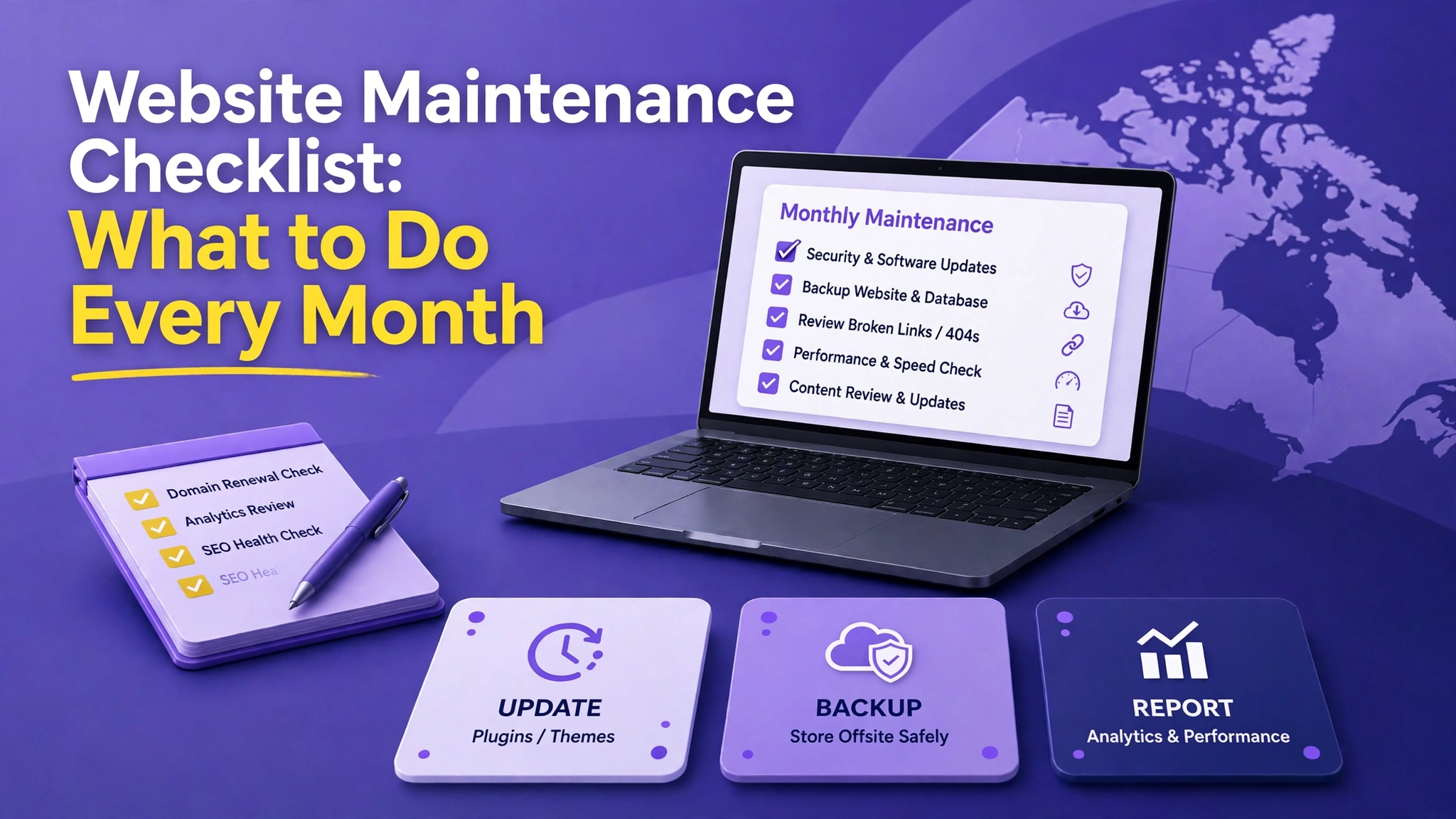
<figure class="wp-block-image size-full"><img loading="lazy" decoding="async" width="2048" height="1152" src="https://cms.saintcode.com/wp-content/uploads/2026/11/media-generation-website-maintenance-checklist-0-a4ee85f6-fb8c-443f-9059-06acbc6bed49.webp" alt="Website Maintenance Checklist: What to Do Every Month" class="wp-image-363" srcset="https://cms.saintcode.com/wp-content/uploads/2026/11/media-generation-website-maintenance-checklist-0-a4ee85f6-fb8c-443f-9059-06acbc6bed49.webp 2048w, https://cms.saintcode.com/wp-content/uploads/2026/11/media-generation-website-maintenance-checklist-0-a4ee85f6-fb8c-443f-9059-06acbc6bed49-300x169.webp 300w, https://cms.saintcode.com/wp-content/uploads/2026/11/media-generation-website-maintenance-checklist-0-a4ee85f6-fb8c-443f-9059-06acbc6bed49-1024x576.webp 1024w, https://cms.saintcode.com/wp-content/uploads/2026/11/media-generation-website-maintenance-checklist-0-a4ee85f6-fb8c-443f-9059-06acbc6bed49-768x432.webp 768w, https://cms.saintcode.com/wp-content/uploads/2026/11/media-generation-website-maintenance-checklist-0-a4ee85f6-fb8c-443f-9059-06acbc6bed49-1536x864.webp 1536w" sizes="auto, (max-width: 2048px) 100vw, 2048px" /></figure>
<p>A <strong>website maintenance checklist</strong> is the simplest way to keep your Vancouver business website fast, secure, and bringing in calls month after month. Most websites do not break all at once. They drift: a plugin goes out of date, a contact form quietly stops sending emails, a page loads a second slower, and one day the phone rings less and nobody knows why. This monthly checklist takes about an hour, and it catches small problems while they are still cheap to fix.</p>
<h2>Your Website Maintenance Checklist: The Monthly Tasks That Matter</h2>
<p>Work through the list in order, once a month, on the same day if you can. A website that gets a regular hour of attention stays fast, stays secure, and keeps turning visitors into calls. A website that gets ignored for a year usually needs a rebuild instead of a tune-up.</p>
<h2>1. Back Up Your Website (and Test the Backup)</h2>
<p>Before you touch anything else, make sure you have a recent backup of your whole website: the files and the database. Most hosting plans include automatic backups, but “automatic” does not always mean “working.” Once a month, confirm a backup actually exists and is recent, and store a copy somewhere other than your web server. A backup you have never tested is a hope, not a plan.</p>
<h2>2. Update Your Platform, Theme, and Plugins</h2>
<p>Outdated software is the most common way small business websites get hacked. Once a month, update your website platform, your theme, and every plugin to the latest version. Do the backup first, then update one thing at a time and check the site still looks right after each step. Delete any plugin you no longer use: every extra plugin is another door into your site and another thing that can slow it down.</p>
<h2>3. Check Security and Scan for Problems</h2>
<p>Run a security scan once a month and review any warnings it raises. Check that your SSL certificate is valid and not about to expire, because browsers warn visitors away from sites without a working certificate. Make sure your admin password is strong and unique, and no old user accounts are still active for people who no longer work with you.</p>
<h2>4. Test Your Website Speed</h2>
<p>Open your homepage and your most important service page on your phone, on a regular mobile connection, and see how long they take to feel usable. Then run a speed test and note the numbers so you can compare month to month. Look for the usual culprits: images uploaded at full camera size, videos that autoplay, and scripts added by tools you stopped using. Compress large images and remove what you do not need. Visitors in Vancouver search on their phones while walking or waiting for a bus: if your site takes more than a few seconds, many of them will simply tap the next result.</p>
<h2>5. Fix Broken Links and Check Your Pages</h2>
<p>Links break quietly. A supplier changes a page, a blog post links to a service you renamed, or a page gets deleted and leaves a dead end behind. Once a month, scan your site for broken links and pages that return errors, and fix or redirect them. Click through your main navigation yourself, the way a customer would. A broken link on your contact page or your most popular service page is a lost call that nobody ever tells you about.</p>
<h2>6. Review Your Content and Refresh What Is Outdated</h2>
<p>Read your homepage and your top service pages with fresh eyes. Are the prices still right? Is the phone number still right? Does the page still describe what you actually sell? Outdated content costs trust: a customer who reads about a service you no longer offer, or a price from two years ago, starts the conversation doubting you. Update at least one page a month, and check that your business hours, service area, and contact details match what is shown on your Google Business Profile.</p>
<h2>7. Test Your Contact Forms and Calls to Action</h2>
<p>Fill in your own contact form once a month and confirm the message actually arrives. Forms fail silently more often than business owners expect: a mailbox fills up, an email filter cha